¶ Alacrity Account
Every active volunteer from the "core team" in Alacrity Education gets a Google Workspace account on the @alacrity.ro domain. After signing the volunteering contract, you will receive your credentials - email address and initial password - on the e-mail adress provided when you registered the organization. We strongly encourage you to change the password the first time you login!
Internal services, like this wiki, are protected by login using a platform called Authentik. To access applications, you will first login using your @alacrity.ro account on Authentik, then you will be able to login on the wiki using the Authentik instance.
After you log in to Authentik, you will be able to connect social accounts (Discord, Github) and use those to login, instead of requiring the workspace account.
¶ Login your google workspace account
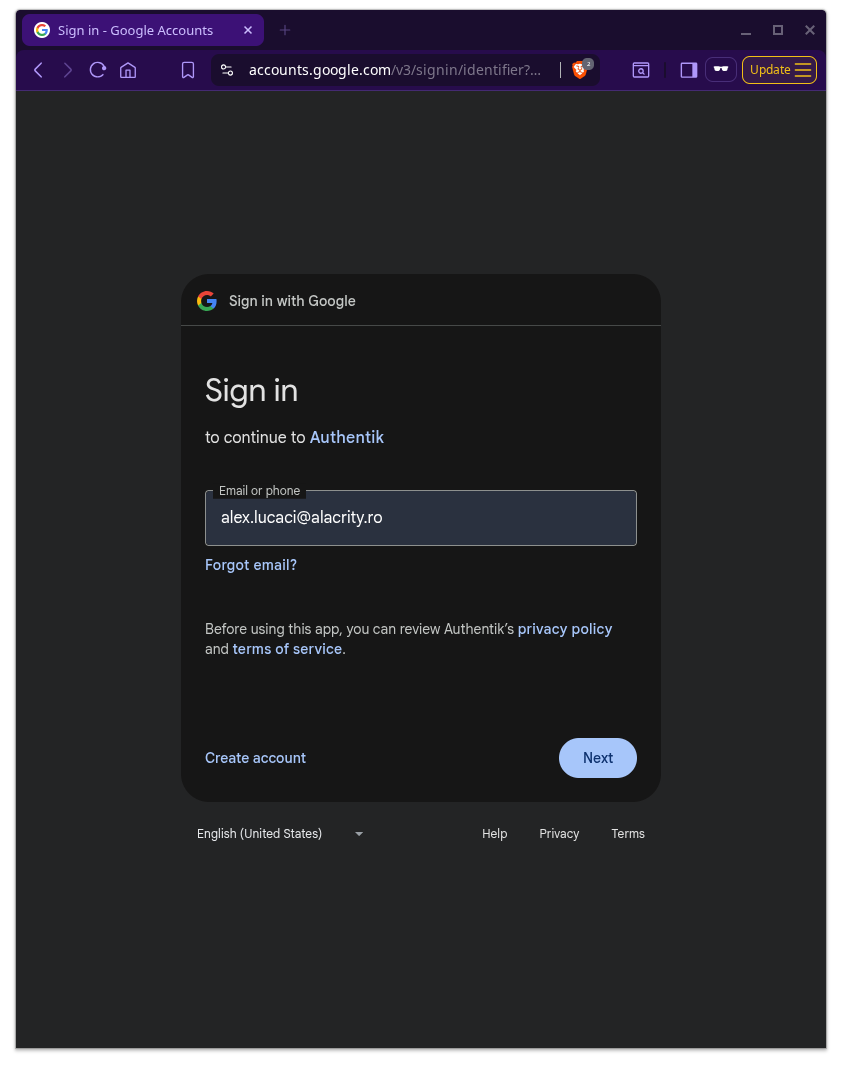
To sign in to your Google Workspace account, go to accounts.google.com (or any Google service like Gmail) and enter your organization email address, then click Next. On the following screen, type your password and click Sign in.
This process might vary depending on what platform you are on: iOS, Android, Desktop.
¶ Login on the wiki using Authentik
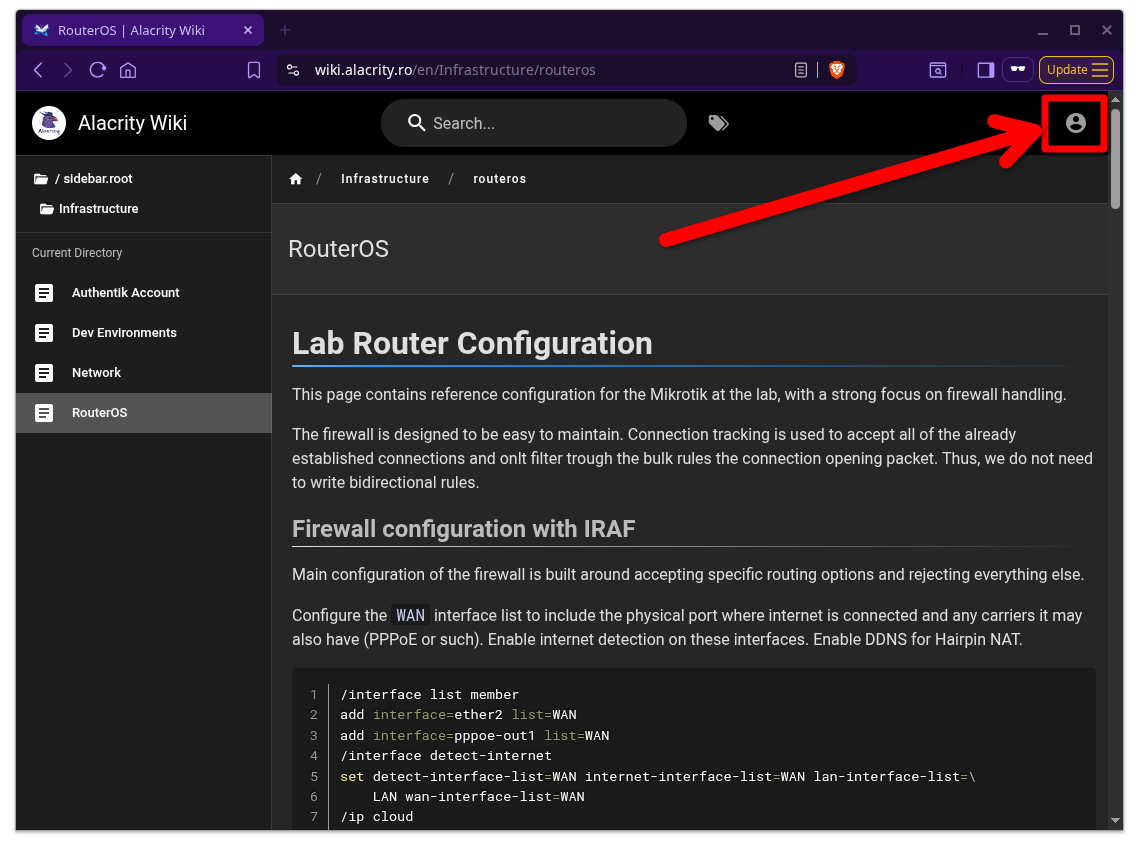
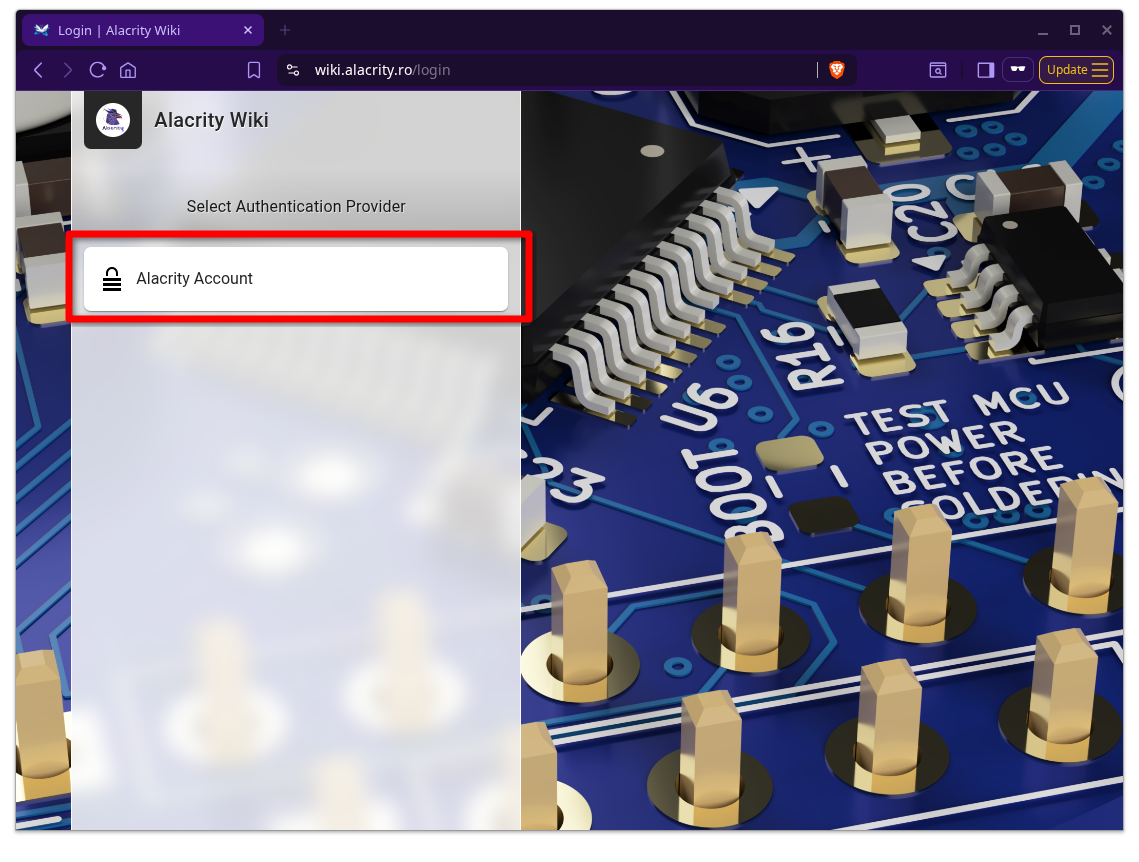
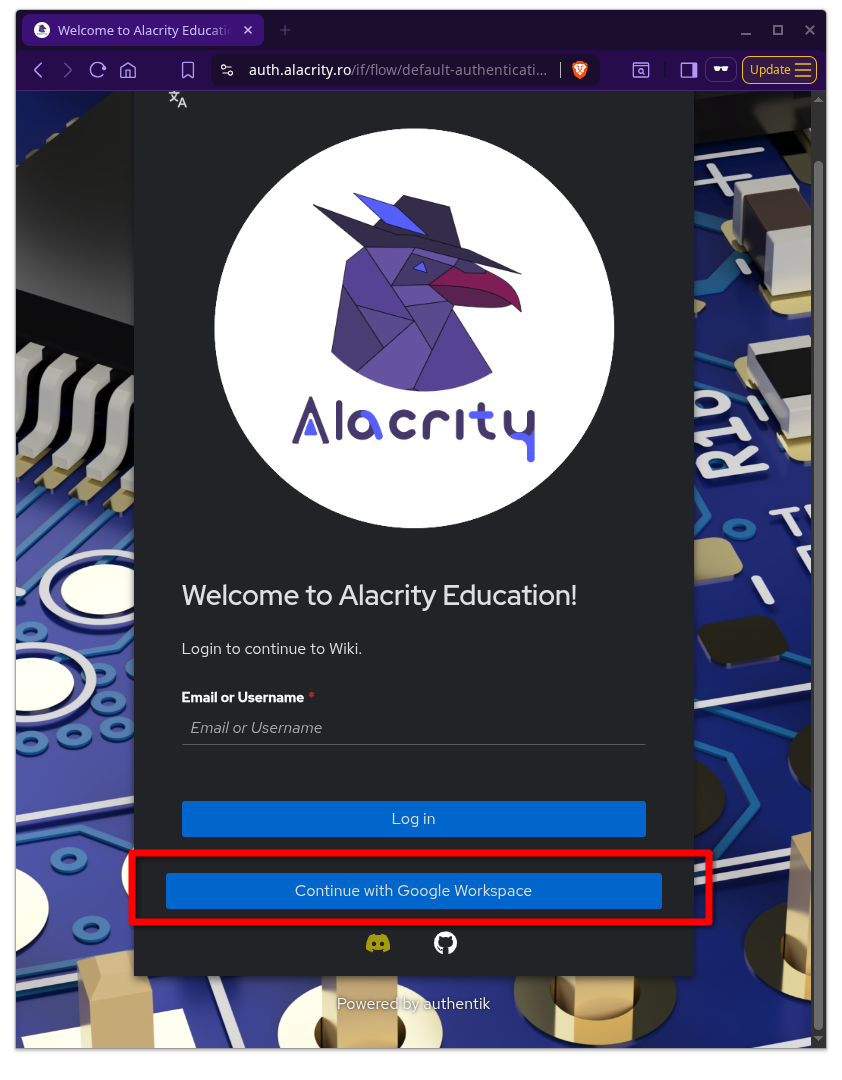
Navigate to the Alacrity Wiki website (you are already on it!) and start the login process.
| Click the Login button in the top-right of the page | Select the Alacrity Account provider |
|---|---|
 |
 |
Select Continue with Google WorkspaceDon't enter any email address yet |
Go trough the usual process of google workspace login If already logged in, it will skip this stage |
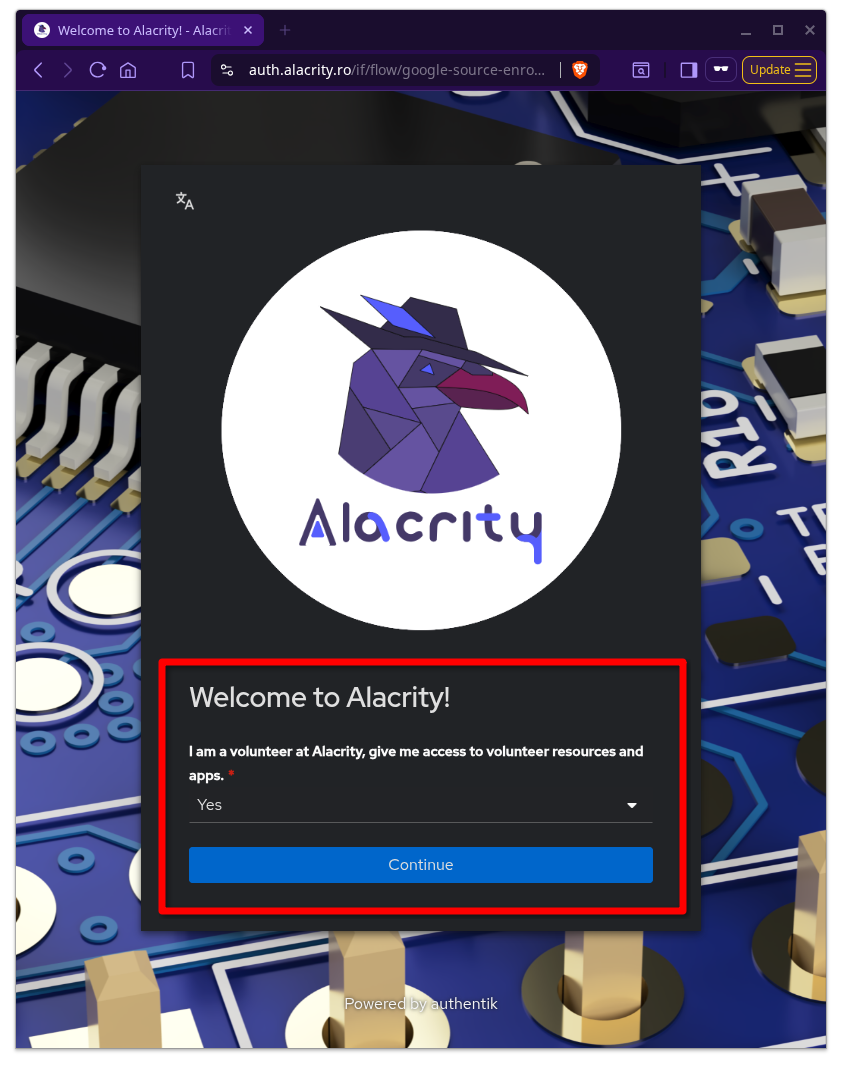
Answer Yes to the questionOnly answer No if you need a special account setup |
|---|---|---|
 |
 |
 |
Done! You can now access the Wiki!
¶ Laboratory PCs
You are able to log in to the Lab PCs using your Alacrity Authentik account. You will get a private home directory, though some folders might be shared.
More details on this page.
¶ Social Connections
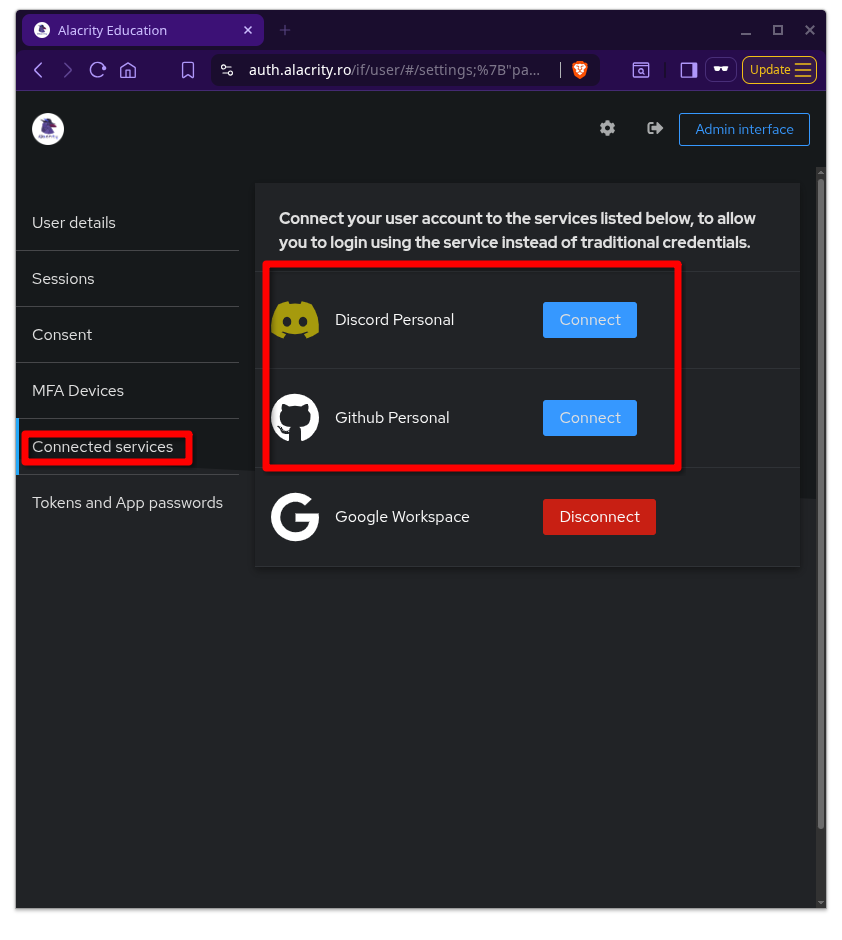
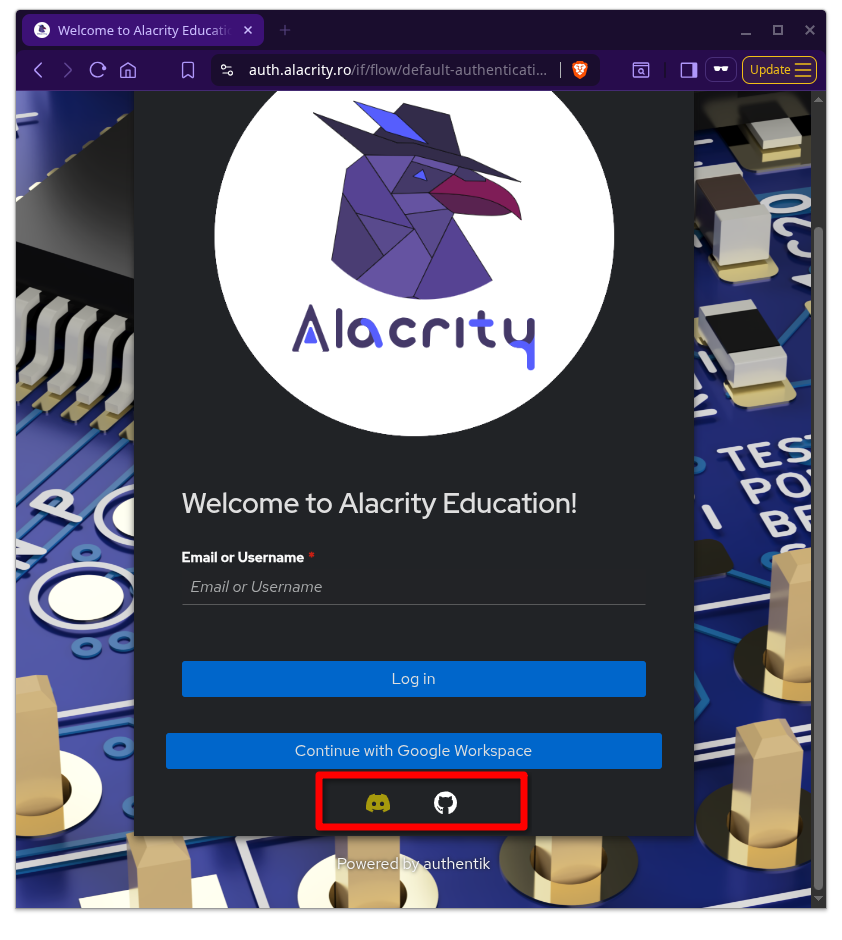
Once you have your account up and running, you are able to connect your Discord or Github accounts to your Alacrity account. Then, you will be able to login using the Discord or Github buttons. You won't have to type passwords or be logged in the Google Workspace account.
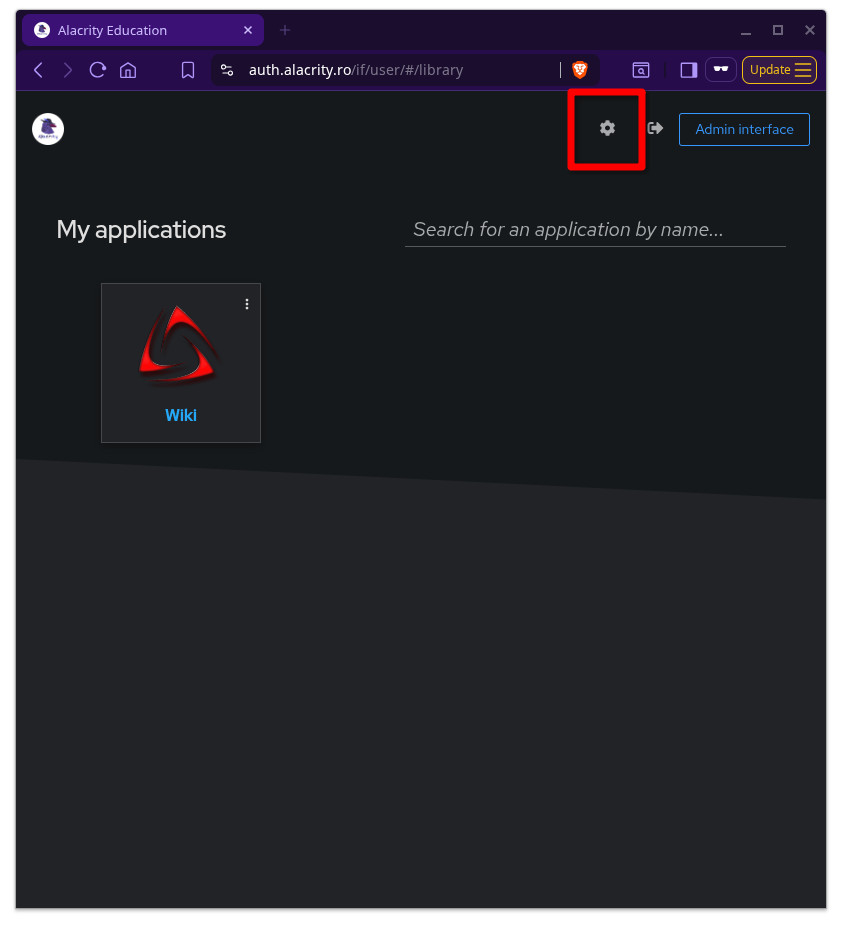
| Login to Alacrity Authentik and click on the Settings icon | Go to the Connected services tab and click Connect to the social logins you want to use | You can now login using your preferred social provider |
|---|---|---|
 |
 |
 |